

Getting Started
To start the tutorial, you have two options:
- Open blank playground in a new tab
- Install vscode extension (or open-vsx) and create a new file with
.c4extension
and follow the steps:
-
Prepare the specification
Section titled “Prepare the specification”We’ll start by defining the kinds of elements in our architecture. We only need two -
actorandsystem:tutorial.c4 specification {element actorelement system} -
Create the model
Section titled “Create the model”Start with the top-level elements and define the model:
tutorial.c4 specification {element actorelement system}model {customer = actor 'Customer'saas = system 'Our SaaS'}These are the first elements of our architecture model.
Let’s add details. -
Add a hierarchy
Section titled “Add a hierarchy”Assume our system has two main components:
uiandbackend. Let’s add a new kind to the specification and update the model.tutorial.c4 specification {element actorelement systemelement component}model {customer = actor 'Customer'saas = system 'Our SaaS' {component uicomponent backend}} -
Add relationships
Section titled “Add relationships”Any links between elements (i.e. interactions, calls, delegations, dependencies, flows). You are free to define them as you like.
In the model:
tutorial.c4 specification {element actorelement systemelement component}model {customer = actor 'Customer'saas = system 'Our SaaS' {component uicomponent backend// UI fetches data from the Backendui -> backend}// Customer uses the UIcustomer -> ui 'opens in browser'} -
Create first diagram
Section titled “Create first diagram”Diagrams are rendered from views. Views are projections of the model defined by predicates (what to include or exclude).
Start with a bird’s eye view (“Landscape”):
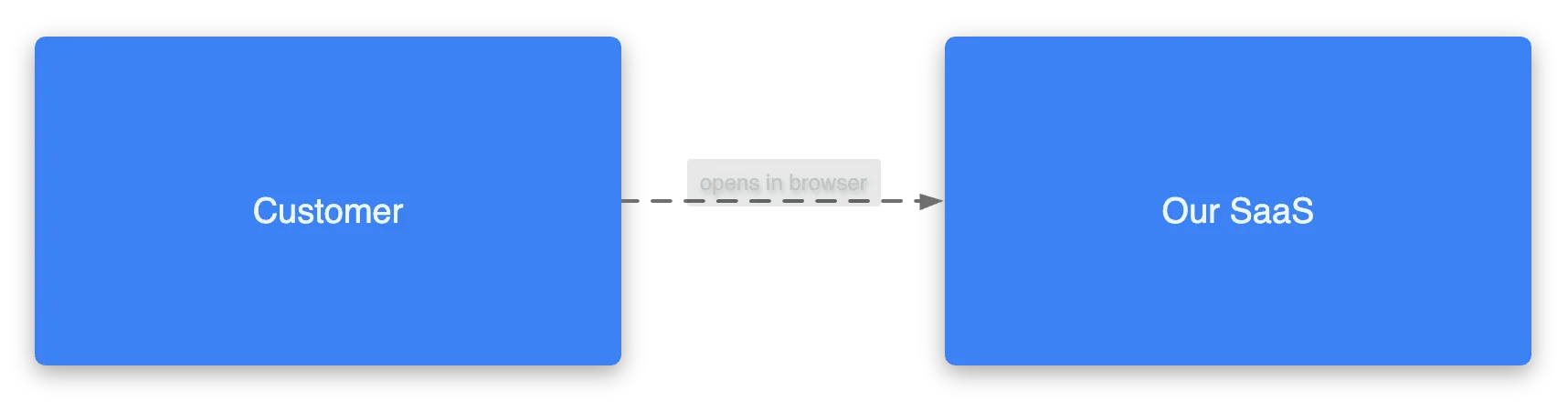
tutorial.c4 specification {element actorelement systemelement component}model {customer = actor 'Customer'saas = system 'Our SaaS' {component uicomponent backend// UI fetches data from the Backendui -> backend// Customer uses the UIcustomer -> ui 'opens in browser'}}views {view index {include *}}We got this:
-
Add more views
Section titled “Add more views”tutorial.c4 specification {element actorelement systemelement component}model {customer = actor 'Customer'saas = system 'Our SaaS' {component uicomponent backend// UI requests data from the Backendui -> backend// Customer uses the UIcustomer -> ui 'opens in browser'}}views {view index {include *}view of saas {include *}}Imagine we zoom in to the
saaselement and see its nested elements and their relationships: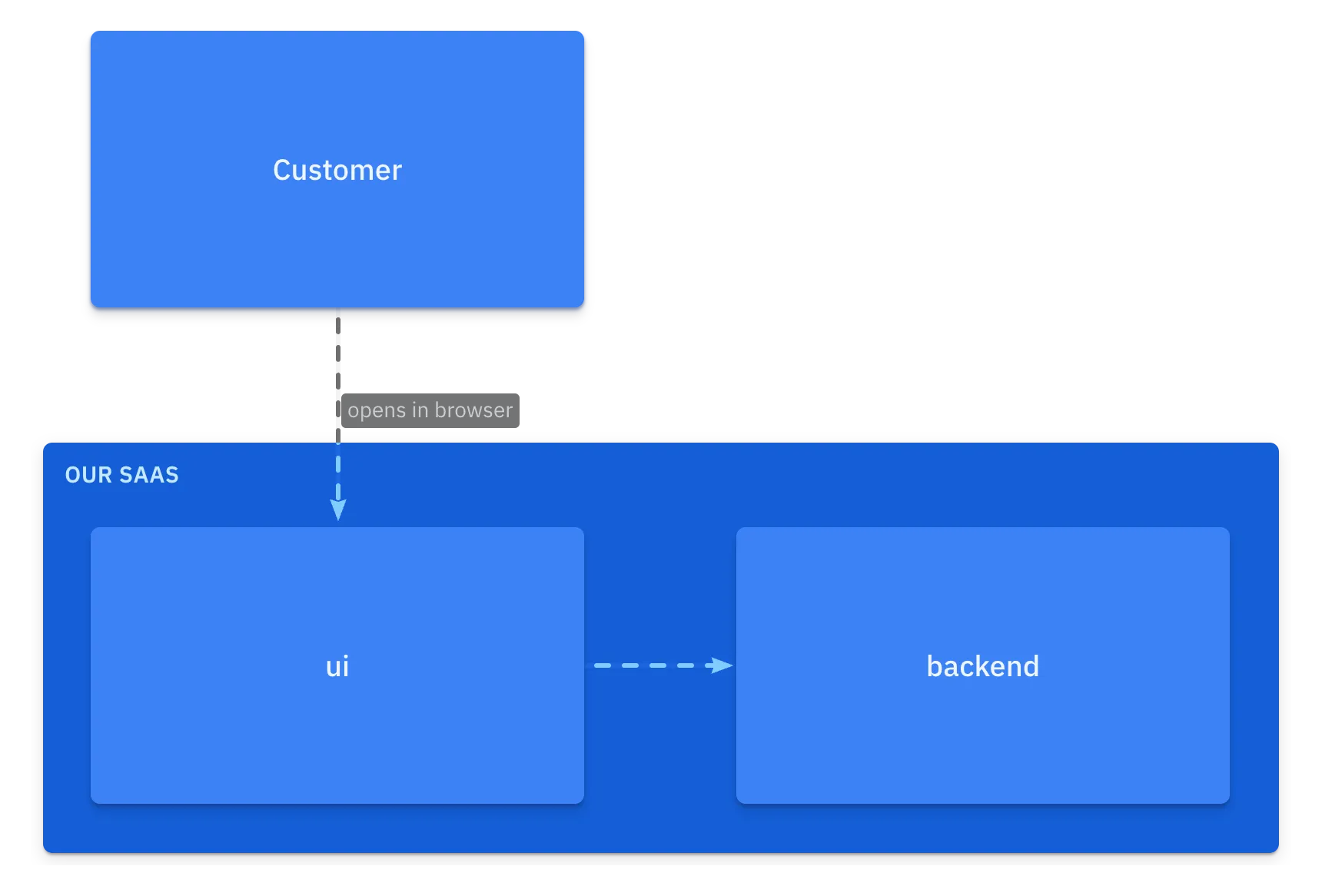
-
Enrich the model
Section titled “Enrich the model”Let’s add descriptions, define the shape of the
uiand add a label to the relationshipui -> backendtutorial.c4 specification {element actorelement systemelement component}model {customer = actor 'Customer' {description 'The regular customer of the system'}saas = system 'Our SaaS' {component ui 'Frontend' {description 'Nextjs application, hosted on Vercel'style {icon tech:nextjsshape browser}}component backend 'Backend Services' {description 'Implements business logicand exposes as REST API'}// UI fetches data from the Backendui -> backend 'fetches via HTTPS'}// Customer uses the UIcustomer -> ui 'opens in browser'}views {view index {title 'Landscape view'include *}view of saas {include *style customer {color muted}}}The
saasview after changes: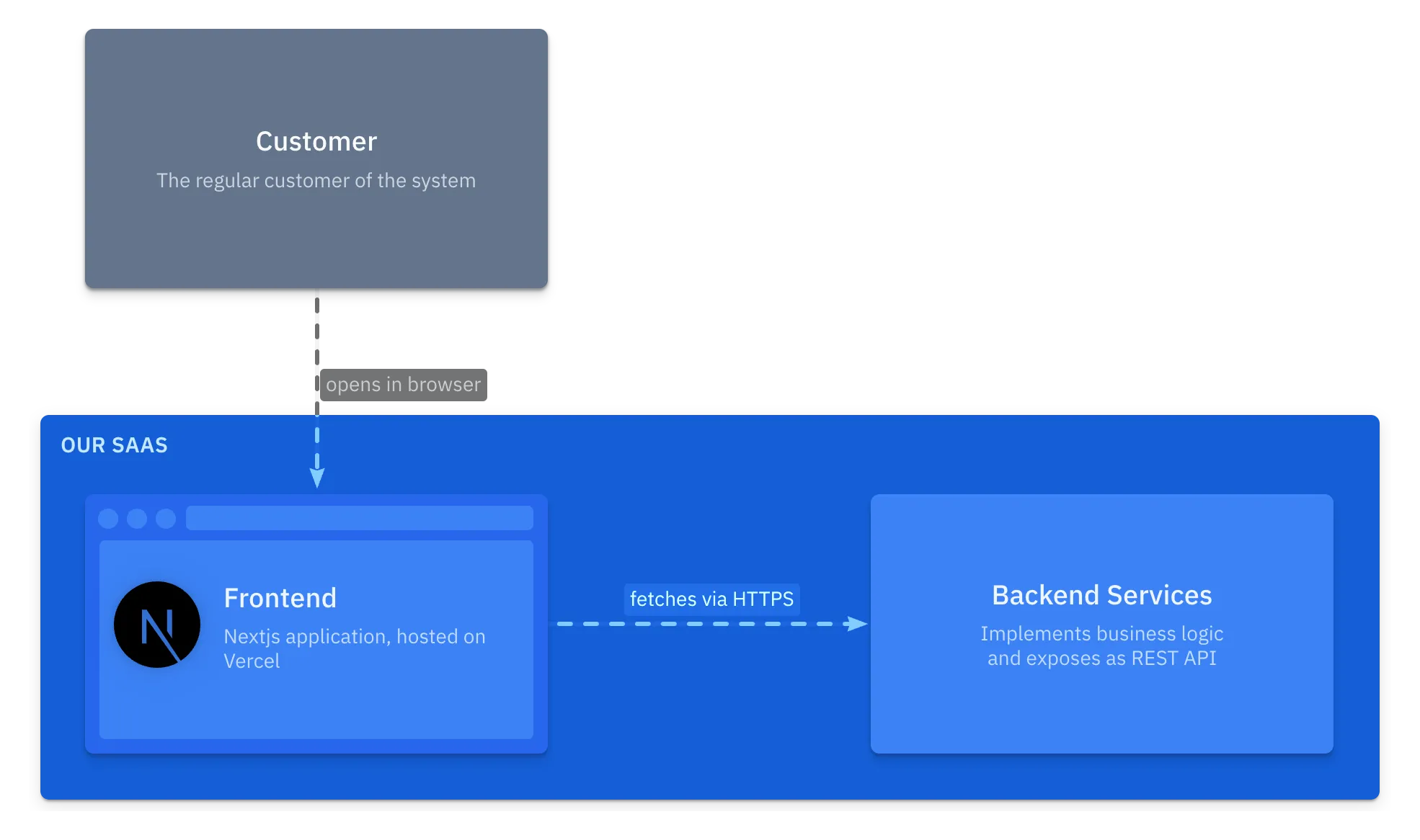
-
Add changes
Section titled “Add changes”Let’s change the description of the
customerand the label ofcustomer -> uitutorial.c4 specification {element actorelement systemelement component}model {customer = actor 'Customer' {description 'The regular customer of the system'description 'Our dear customer'}saas = system 'Our SaaS' {component ui 'Frontend' {description 'Nextjs application, hosted on Vercel'style {icon tech:nextjsshape browser}}component backend 'Backend Services' {description 'Implements business logicand exposes as REST API'}// UI requests data from the Backendui -> backend 'fetches via HTTPS'}// Customer uses the UIcustomer -> ui 'opens in browser'customer -> saas 'enjoys our product'}views {view index {title 'Landscape view'include *}view of saas {include *style customer {color muted}}}View
index: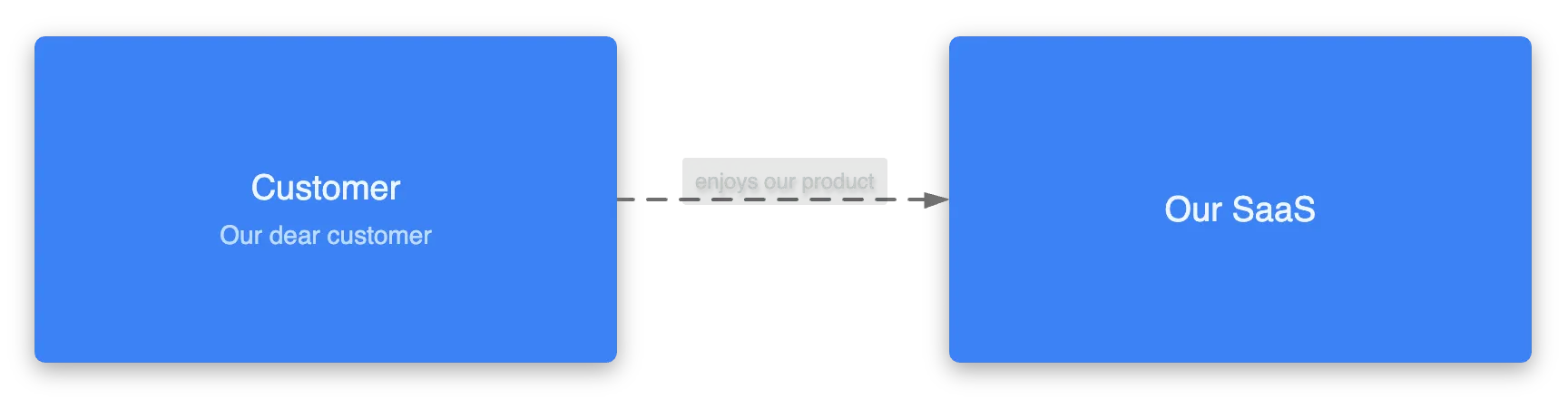
View
saas: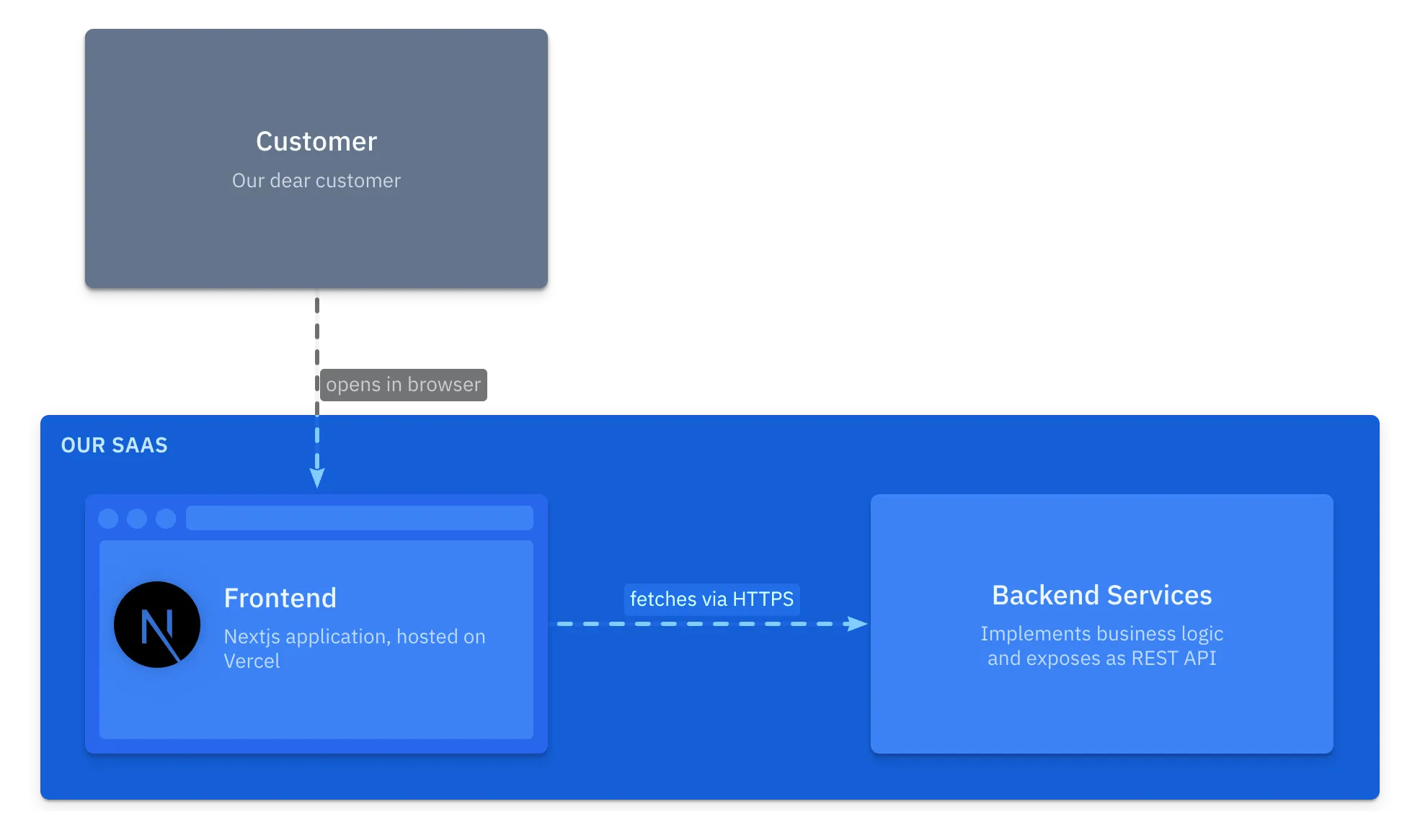
-
Try it yourself
Section titled “Try it yourself”Play with this tutorial in the playground and try adding the following:
- change shape of the
customerelement - add a database (with
storageshape) and tables likecustomersandorders(what relationships should be added?) - add an external system, like Stripe, and show how the backend might interact with it
Open playground Play with this tutorial in playground - change shape of the